
PARTNER DATA & MARKETING INFO
Minecraft Free Builders: After-School Programs
GD-MF-A1
GD-MF-A1, GD-MF-A2, GD-MF-A3
This program focuses on building adventures and teaches participants about interactive world building as well as game design in an accelerated setting. This fun and engaging Minecraft program will spark interests in STEM, foster creativity and help participants use Minecraft as an exciting learning tool. No prior experience with Minecraft necessary. All skill levels welcome.
Grade Level
🎮 Learn in the Games Kids Love
✨ Create, Code & Design
🤖 AI Mentor + Always-On Hub
🏆 Kids Leave With Projects They Can Share
🛡️ 2-Session Fit Guarantee
🚀 Future-Proof Skills for 2026+
🎁 Gift Cards • Camps • After-School
🏫 School & Partner Programs
🎉 Early Bird Discounts End July 31
🎮 Learn in the Games Kids Love
✨ Create, Code & Design
🤖 AI Mentor + Always-On Hub
🏆 Kids Leave With Projects They Can Share
🛡️ 2-Session Fit Guarantee
🚀 Future-Proof Skills for 2026+
🎁 Gift Cards • Camps • After-School
🏫 School & Partner Programs
🎉 Early Bird Discounts End July 31
4
🎮
LIVE
·
SMALL GROUP
·
·
💻 Live Online · 🔒 Safe & Vetted Instructors · 🌟 Open to All Learners
📘
Program Overview
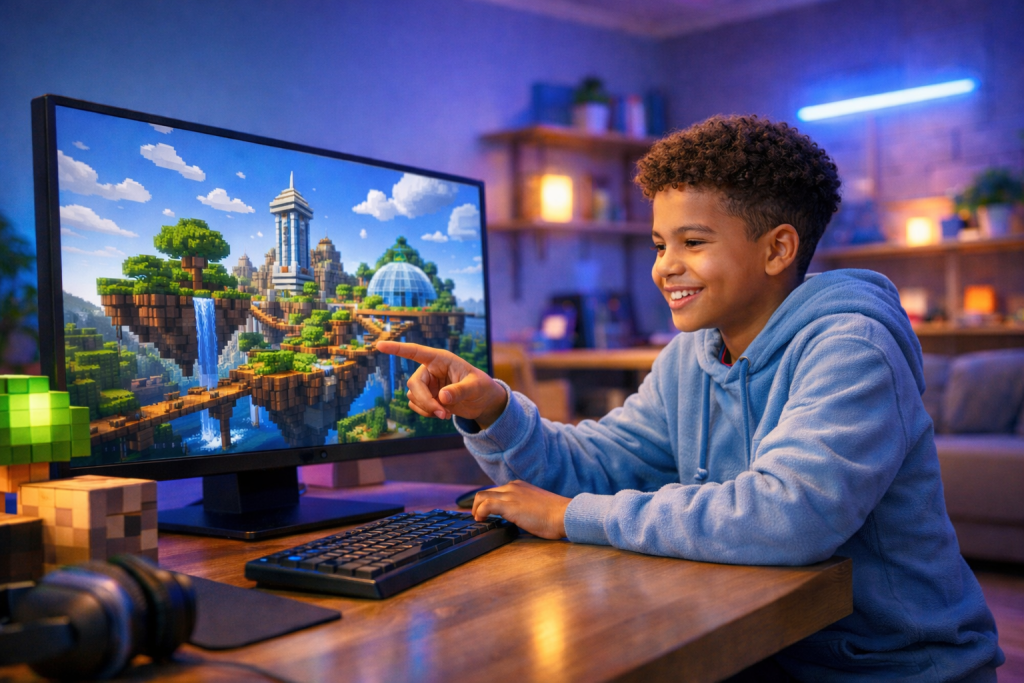
Minecraft Free Builders: After-School Programs
This program focuses on building adventures and teaches participants about interactive world building as well as game design in an accelerated setting. This fun and engaging Minecraft program will spark interests in STEM, foster creativity and help participants use Minecraft as an exciting learning tool. No prior experience with Minecraft necessary. All skill levels welcome.
📋
Program Details
Key Info & Requirements
Grade Level
Grades 2-4
Class Format
Live online instruction with a teacher
Session Length
4 sessions • 6 hours total
Price
$149.99
Class Size
Small group instruction
Hardware Needed
Primary Computer Device:
• Windows 8, 10 or 11
• or Mac OS
• or Chromebook
• or iPad
Additional Tech Used:
• Headphones
• Microphone
• Web Camera
• Windows 8, 10 or 11
• or Mac OS
• or Chromebook
• or iPad
Additional Tech Used:
• Headphones
• Microphone
• Web Camera
Software Used
• Windows 8, 10 or 11
• or Mac OS
• or Chromebook
• or iPad with iOS10 or higher
• or Mac OS
• or Chromebook
• or iPad with iOS10 or higher
🎯
Learning Outcomes
What Students Will Learn
By the end of the program, students will understand core concepts and build practical experience they can continue developing.
Understand what goes into building in Minecraft
Identify ways to brainstorm
Define goals for complex projects
Understand communication & cooperation
Appreciate creative collaboration
Understand how to discuss and explain solutions
🌟 Included with Every Enrollment
The learning doesn’t end when class does.
Every student unlocks our Always-On Learning Hub - a premium digital learning layer that keeps momentum alive between sessions and long after class ends.
📘 Course Notes - every lesson, project, and key idea organized and always within reach
💬 Student Community - a safe, kid-powered space where creativity and curiosity keep moving
🤖 BitBuilder AI Mentor - a 24/7 guide ready with answers, ideas, and creative sparks anytime
🔒 Protected by our Two-Session Fit Guarantee
This is more than bonus content. It is a safety net, a springboard, and a doorway into deeper growth - giving students a place to keep learning, building, and exploring beyond the live session.
❓
FAQ
Common Questions
Answers to the questions families most often ask before enrolling.
What will my child do in this class?
Students work through guided projects designed to build creativity, confidence, and technical ability. Activities vary by program and may include designing, building, testing, and refining their own digital creations.
Do students need prior experience?
No prior experience is required unless a program description specifically says otherwise. Our instructors guide students step by step and help beginners build confidence while still challenging returning learners.
What happens if my child misses a class?
If a student misses a session, they can review the lesson materials and course notes in the learning hub. Because these programs are interactive and live, attending class is the best experience, but students can still use the available materials to continue making progress.
What is the 2-Session Fit Guarantee?
If your child fully attends the first and second sessions of the program and is not engaged by the end of the second session, simply let us know within 6 hours after the second session ends, or by 10 PM Eastern time, whichever is later. We will provide a prorated account credit for the unused sessions that can be applied to a future online class or program. No hassles and no fine print, just peace of mind.
What equipment or software does my child need?
Each program includes the hardware and software requirements on this page. Most online classes require a compatible computer, a stable internet connection, and access to Zoom for live instruction.
How big are the classes?
Classes are intentionally kept small so instructors can provide personalized guidance and answer questions as students work through their projects.
Can my child continue learning after this class?
Yes. Many students continue exploring related topics through our other programs and learning areas. You can browse related categories on this page to discover the next step in your child’s learning journey.
📘
Program Overview
Minecraft Free Builders: After-School Programs
This program focuses on building adventures and teaches participants about interactive world building as well as game design in an accelerated setting. This fun and engaging Minecraft program will spark interests in STEM, foster creativity and help participants use Minecraft as an exciting learning tool. No prior experience with Minecraft necessary. All skill levels welcome.
📋
Program Details
Key Info & Requirements
Grade Level
Grades 2-4
Class Format
Live online instruction with a teacher
Session Length
4 sessions • 6 hours total
Price
$149.99
Class Size
Small group instruction
Hardware Needed
Primary Computer Device:
• Windows 8, 10 or 11
• or Mac OS
• or Chromebook
• or iPad
Additional Tech Used:
• Headphones
• Microphone
• Web Camera
• Windows 8, 10 or 11
• or Mac OS
• or Chromebook
• or iPad
Additional Tech Used:
• Headphones
• Microphone
• Web Camera
Software Used
• Windows 8, 10 or 11
• or Mac OS
• or Chromebook
• or iPad with iOS10 or higher
• or Mac OS
• or Chromebook
• or iPad with iOS10 or higher
🚀
Skills
Skills Your Child Will Gain
Students build creative, technical, and problem-solving skills they can carry into future projects, classes, and digital experiences.
3D Design
Building design
Collaboration and communication
Constructive feedback
Critical Thinking
Level design
Problem solving
Scope and scale
Style, design and aesthetic principles in building
Time management
🧭
Categories
Explore Similar Topics
This program is featured in the following learning areas. Explore related topics and discover more programs.